To sort by a column, click the column header. If the column allows sorting, an arrow will appear next to the column header indicating that sorting is allowed.
When the user selects an ascending sort, the arrow next to the header name displays an upward pointer.

When the user selects a descending sort, the arrow next to the header name displays a downward pointer.

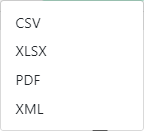
 . The following pop-up window displays: