To filter the data displayed on the screen,
-
Click the Report drop-down menu.
-
Click the Report Frequency drop-down menu.
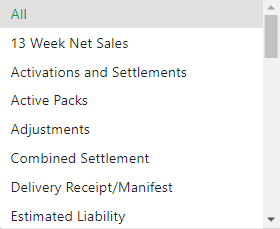
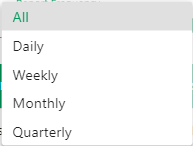
The Report Archive page displays a table with previously ran reports and information related to the execution of the report. This screen includes four filter options – report type, status, and start/end date inputs to filter by report run date/time. For completed report runs, a download button displays allowing you to download the generated report file. For report runs created from a scheduled report, the scheduled report is listed and will link to its detail screen
Each row displays the following information:
Report
Run Date
Scheduled Report
Location/Corp
Frequency
Format
Created By
SFTP
SFTP Address
Display data for a different time period
Filter data displayed on the screen
Sort data by a specific column

