Inventory Detail
The Inventory Detail page displays the average and maximum days a pack spends in the In-Transit, Received and Active statuses at the top of the screen. For each of these metrics, the value displays in green, gray, or red depending on a configurable threshold that defines low, normal, and high value ranges.
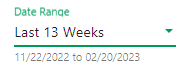
Below these metrics is a table containing detailed pack information for packs that meet the specified filter criteria. In addition to the standard filter options, this screen includes a date range filter to search by status date.
Each row displays the following information for the location's packs in inventory:
-
Game Number
-
Game Name
-
Pack Number
-
Pack Status
-
Status Date
-
Days in Status
-
Price Point
-
Percent Paid
-
Pack Value
What You Can Do
Display inventory detail by retailer location
Display corporate inventory detail
Display data for a different time period
Sort data by a specific column
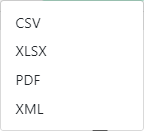
Export the data displayed on the screen
Display the Pack History pop-up




 . The following pop-up window displays: