To filter the data displayed on the screen,
-
Click the Report Format drop-down menu.
-
Click the Report drop-down menu.
-
Click the Report Frequency drop-down menu.
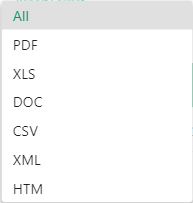
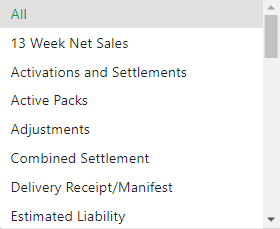
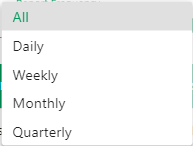
The Scheduled Reports page displays a table of scheduled reports that have been created on the system. This screen includes four filter options – report type, frequency, format, and an active only option. The scheduled reports shown in the table are pre-filtered based on the user’s role and access. For scheduled reports to which you have edit access, clicking the scheduled report name takes you to the scheduled report detail screen.
Each row displays the following information:
Name
Report
Schedule
Corp/Location
Format
SFTP
Next Run
Filter data displayed on the screen
Sort data by a specific column


 to display the